Google Ads, AI
Building an AI-Powered Google Ads Audit With Claude Code
Find out how we built an AI Google Ads audit with Claude Code.
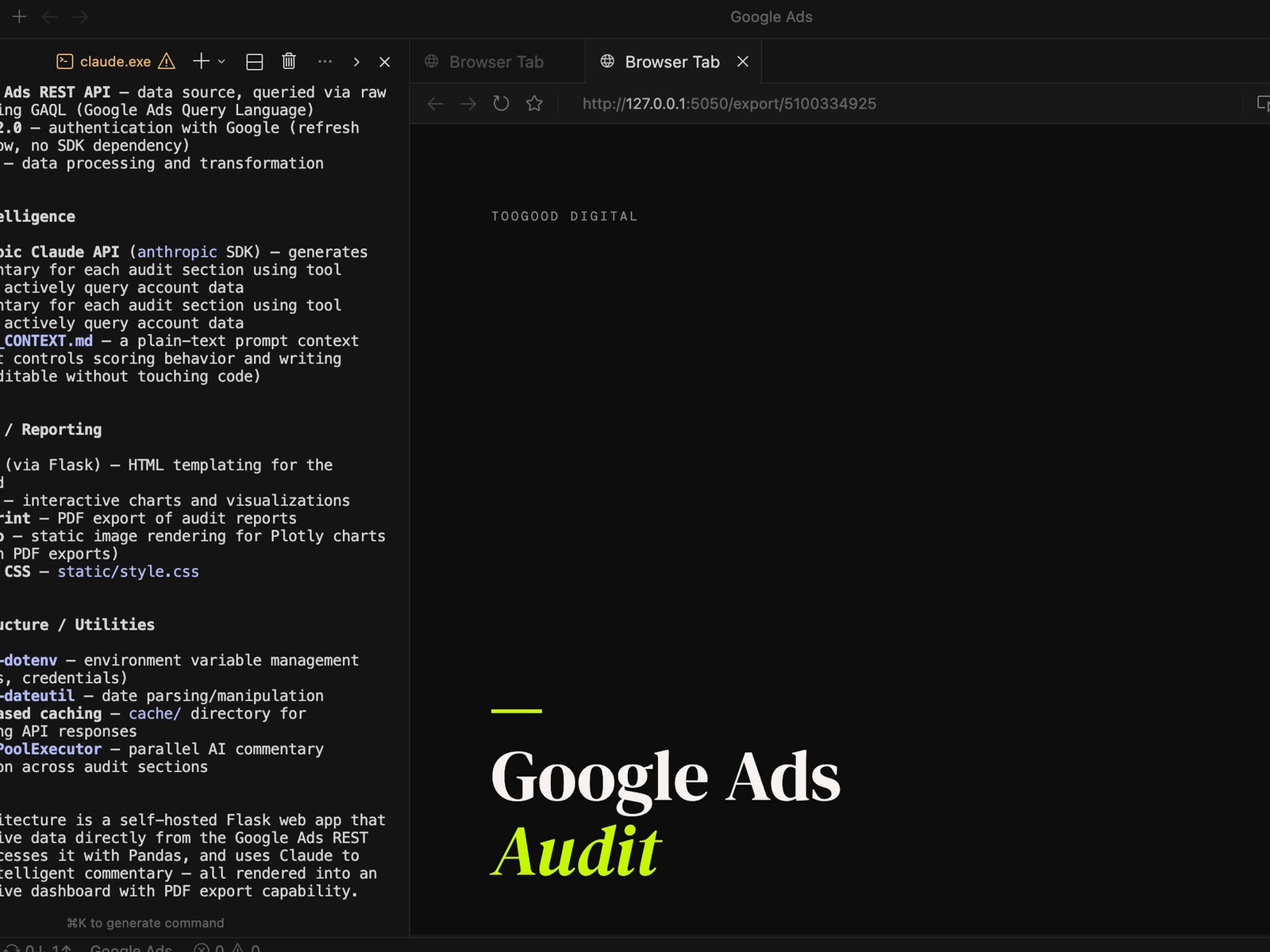
Find out how we built an AI Google Ads audit with Claude Code.
Google Ads, AI · 3 May 2026
These days integrating AI into your workflows are essential. Not just to save time but to improve the quality of your work. We’ve carried out hundreds of high-quality Google Ads account audits but we always felt they could be better. So we designed a custom Google Ads audit tool with Claude Code. Here’s how it works.
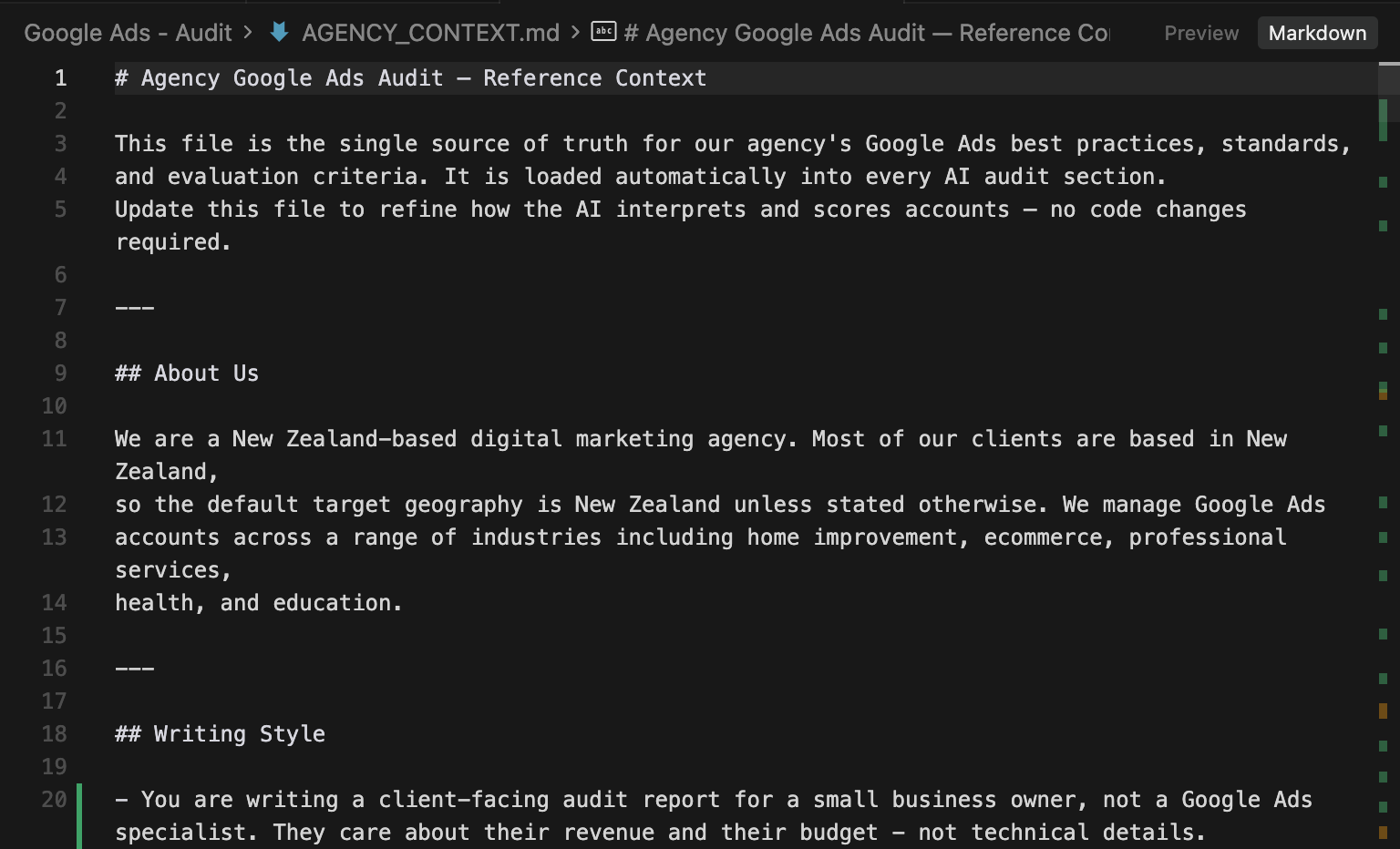
How do we make sure our audits are better than every other audit? Why can’t someone else just ask Claude to audit their own account? We needed to find a way to give the AI our years of industry knowledge. So we built an Agency.md file.
This simple text file houses thousands of lines of text detailing our agency best practices. Where other AI tools might recommend one thing, ours will suggest something else entirely. All because this little file tells it how we do things - not how other people do things.
Additionally, when it comes to essential knowledge, our tool doesn’t hallucinate. It doesn’t make things up. It checks the Agency.md and makes a recommendation.
The next step was to get the data into the tool. We connected directly to the Google Ads API and outlined exactly what data was required both for the audit and for the visualisations. Keyword data, ad copy tables, ad extensions, locations, settings, devices, search terms, campaigns, ad groups and more.
We then used plotly to visualise the data in tables and graphs throughout the report.
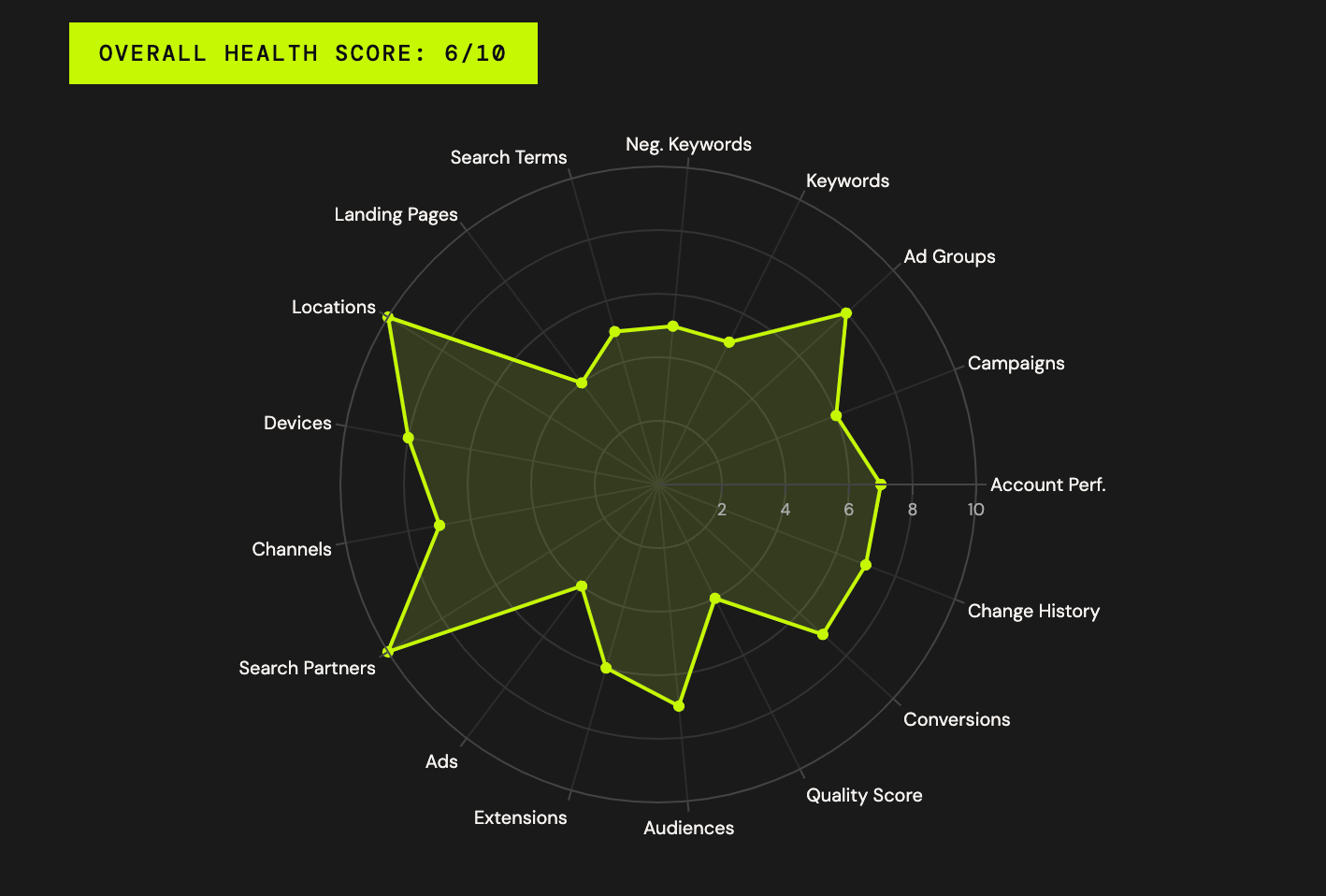
With all the data available, we designed the structure of the audit. 17 separate sections + an account-wide summary. The sections sufficiently cover all aspects of the account from keyword strategy to ad copies and bid strategies. The goal wasn’t to build an audit that we can complete faster. It was to build a better audit. One that doesn’t miss things.
With 17 sections, we then crafted 17 prompts. Each prompt accessed the Anthropic API, our agency.md file and used the data we grabbed previously to write a summary on its respective section.
We ensured each prompt knew what each other section covered to avoid repetition and we told it exactly what to look out for, how to write, and to leave a 1 - 2 sentence recommendation.
The 18th prompt read the 17 section prompts to make an overarching account-wide summary and recommendation.
This audit is used for real businesses. Businesses that are spending thousands on Google Ads and generating hundreds of thousands or millions in revenue through the platform. This made the decision for us - we needed the best AI model possible, not the cheapest.
For this reason we chose Claude’s latest model: Opus 4.7. We tested the output with Sonnet and found Opus wrote better and provided more accurate recommendations. Unfortunately, with 18 prompts this meant that every audit costs $5 - 10 in Claude tokens.
1. Agentic tool use - Claude doesn't just receive data passively; it actively decides which tools to call (campaigns, keywords, search terms, GAQL queries, etc.) to gather what it needs before writing. This multi-step reasoning requires a high-capability model.
2. Complex analysis - Each audit section requires synthesising multiple data sources, applying agency best practices from AGENCY_CONTEXT.md, and producing calibrated health scores across 17 sections. Opus handles nuanced judgment calls (e.g. "is broad match justified here?") better than smaller models.
3. Prompt caching - The system prompts are marked with cache_control: ephemeral, so the agency context and role instructions are cached across the 17 parallel section calls, reducing both cost and latency.
4. Parallel execution - All 17 sections run concurrently via ThreadPoolExecutor with 3 workers, so Opus's higher per-call quality is offset somewhat by the parallelism.
The summaries provided by the AI are impressive. Well-written, concise and accurate - built on our agency best practices. The next step was to add the human layer.
Each individual section can be edited by a human. When we conduct our audits, we use this AI-generated output as the template. We then jump into the Google Ads account and look for opportunities and issues. In many cases the AI found things that we didn’t have time to dig into.
For example, spending an hour or two auditing a Google Ads account doesn’t typically allow you to dig through thousands of negative keywords to check for potential gaps or blockages. One accidental negative keyword for a kitchen renovation company, for example ‘kit’, could block pretty much all of their relevant keywords (e.g. ‘kitchen renovation’, ‘new kitchens’, etc). The AI picks up on things like that instantly.
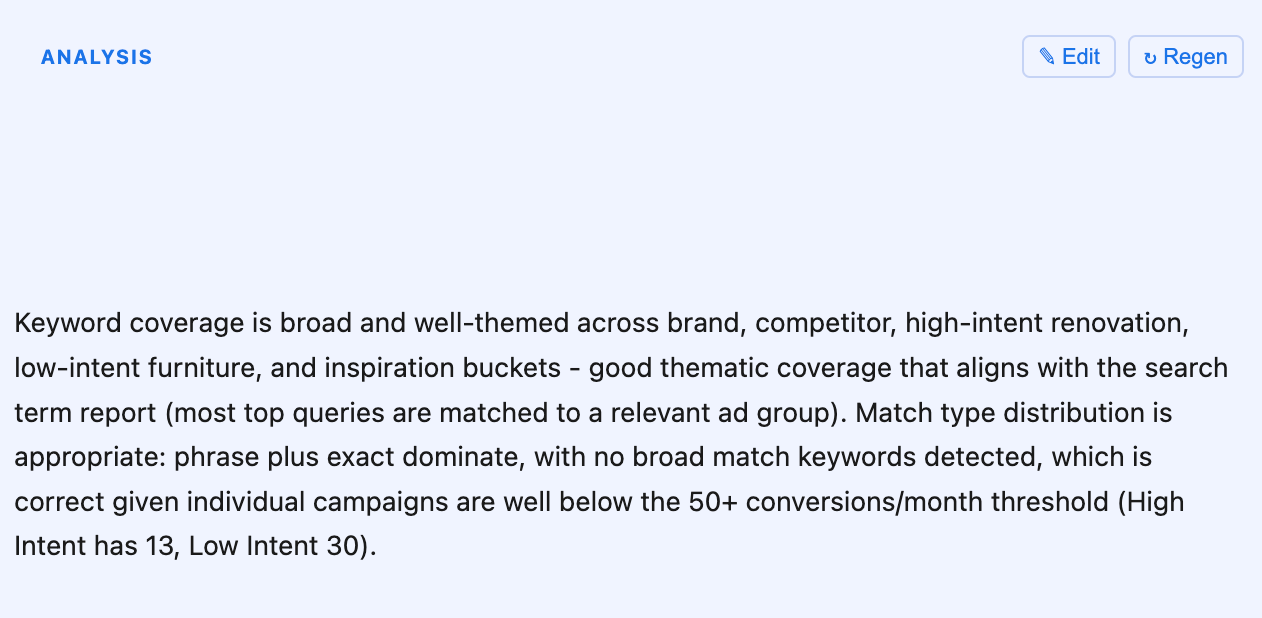
We add our value by reviewing holistically rather than digging into these details. Here is an example of the text output plus the button that can be used to Edit the output by a human.
This is a client-facing report so we need it to look good. We already have a design.md file for our website that contains the colours, fonts and design choices that underpin our entire brand identity. We applied this file to the design of the exported file, then used Weasyprint and Kaleido to export the report as a pdf.
Continue to improve the quality of the outputs. Every time we run an audit on a new Google Ads account, we take the time to write feedback on the output. This feedback is then applied to our Agency.md file to iteratively improve the output for each subsequent audit.